Webcam Green Screen Effect w/ Pixel Bender

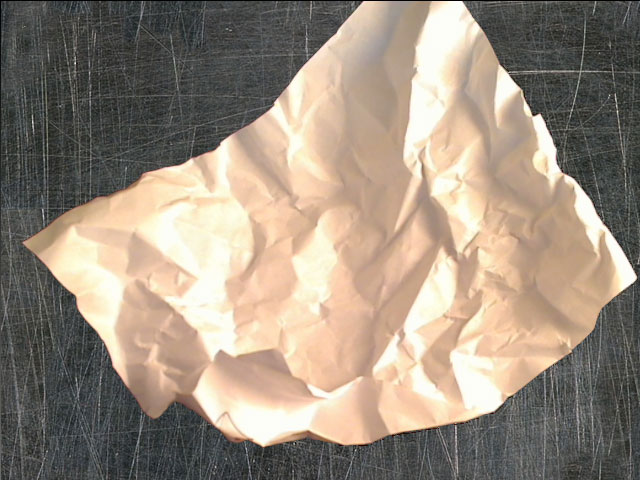
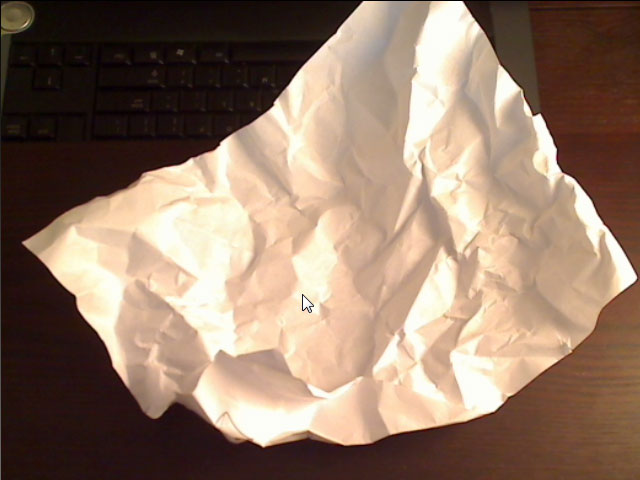
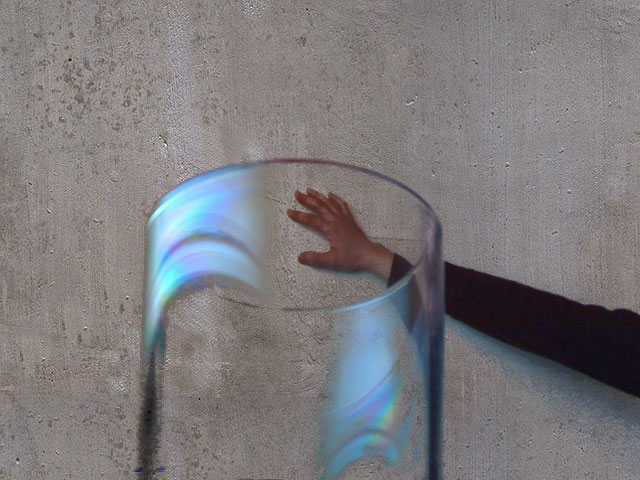
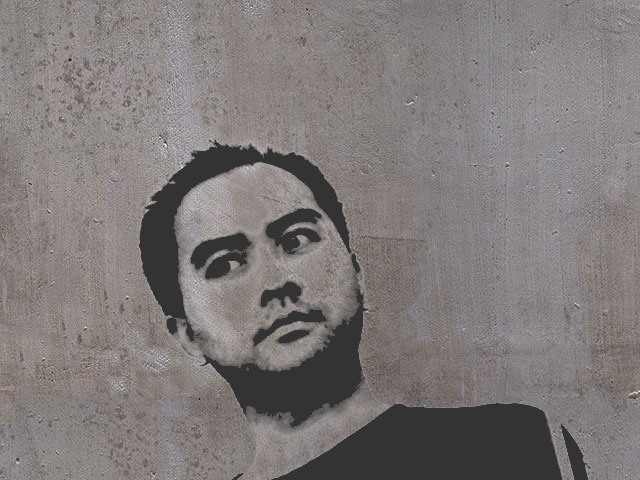
A green-screen/chroma key effect utilizing Pixel Bender. With this version, the live video is compared against a reference image rather than a static color. Additionally, the alpha of the output is graduated based on the color difference between the base image and the incoming video (rather than just being either ‘on’ or ‘off’). Both of these differences may or may not be good for practical use, but can create interesting imagery.
Use the sliders to adjust the cutoff/falloff curve for the alpha. Click “Reset base image” to set the base image with which to compare any further changes in the video against. You can also choose your own background image (click “Browse…” at the bottom). Works best against a plain background and presumably best of all with proper lighting against a green background…
When I wrote the image processing routine in pure Actionscript, it ran like a slideshow. The Pixel Bender version on a 4-core system runs about 30x faster.
Pixel Bender kernel: GreenScreenEffect.pbk
Licensed under a Creative Commons Attribution 3.0 License.


February 17th, 2009 at 11:19 am
Oh, no there’s an alien in Manhattan!
February 18th, 2009 at 4:11 am
Awesome!
March 22nd, 2009 at 8:44 pm
Hey could this be adapted for clear cutting of images? I’ve been on the look out for a while for a flash or PHP module that clients could use to cut out the white around product images and save them as PNGs. Unfortunately all the scripts I’ve seen leave nasty jagged marks around images, or are just too crude (all FFFFF pixels only, etc). Pixel Bender generated .swfs still only require Flash 10 right? I haven’t actually seen much on PB since Adobe made a big deal of it when launching the last Flash version…..
April 8th, 2009 at 9:35 am
Luke, sorry for the late reply, but the answer is, I believe, yes. The user would need to play around with lighting conditions and the background for optimal results, but the edges can look quite nice, and un-jaggy.
April 21st, 2009 at 3:16 am
Hi,
I cannot click the accept button. I click and nothing happens, as if the swf doesn’t have focus and there is something blocking it.
I’m using Firefox 3.0.8 on Mac OSX 10.4.11. Same thing happens in Safari 3.1.
The post looks interesting, shame about the example swf.
June 21st, 2009 at 3:58 am
Hi Lee. Nice!
Played around with it and wanted to invert the alpha, so I changed line 73 to dst.a = 1.0 – val; but in return i got a second video on the stage, just black (assuming this is the alpha then there must besomething wrong with it in general) and the position is exact the opposite. The rgb video is placed in the upper left corner where it belongs but the black box is in the lower right. I just wonder how this substraction can cause such weird stuff.
December 1st, 2009 at 4:21 am
Hi Lee,
Nice demo!
It looks like the link is broken, have you taken the code down for some reason?
December 1st, 2009 at 6:08 pm
Ok I was playing around with the URL and I found the file at this link :
http://www.zeropointnine.com/blog/assets_code/GreenScreenEffect.pbk.txt
Thanks a lot for sharing this!
a
December 1st, 2009 at 9:21 pm
Thanks for pointing that out Marcus. I’ve fixed the broken link.